
你的咖啡从哪里来
卫星简报:镜头飞越真实地球,从埃塞俄比亚一路到勒阿弗尔。
Give it a topic, paste your text or record your voice. The generator writes the scenes, illustrates them, syncs voice and captions, then renders a 1080×1920 vertical MP4. Then you fix it scene by scene.
Free plan: 3 videos a month and 8 styles, no credit card
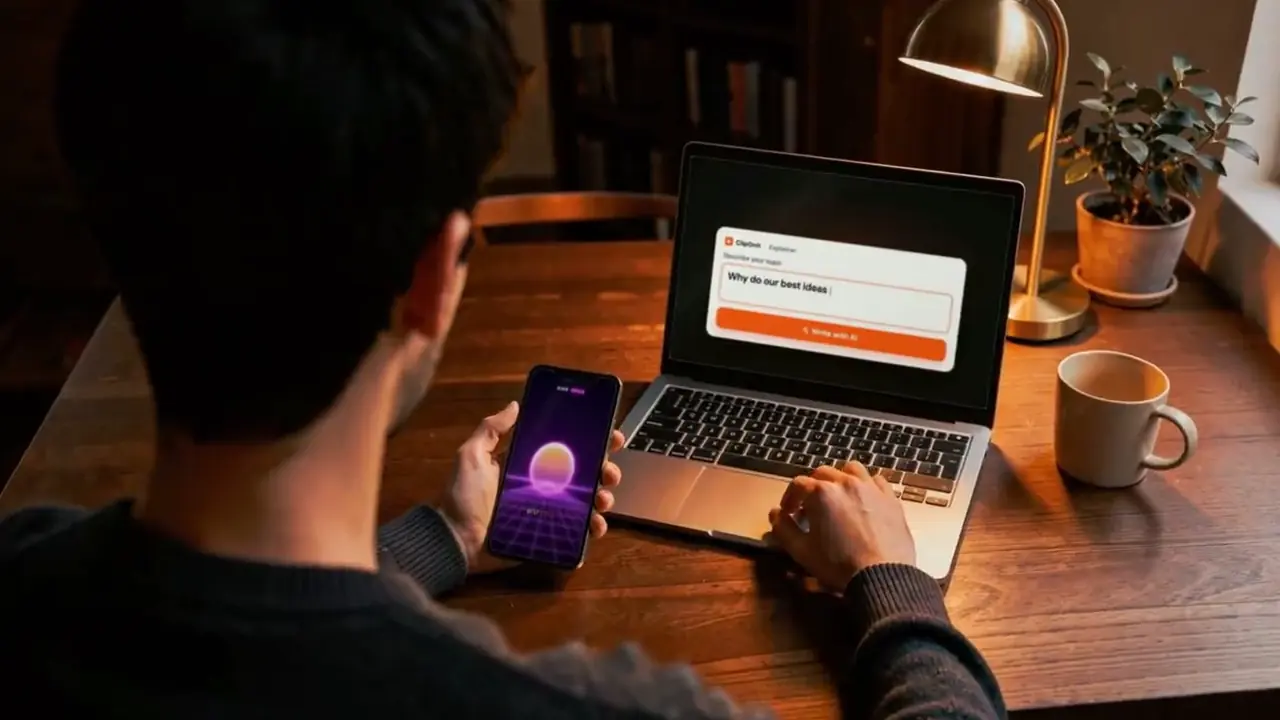
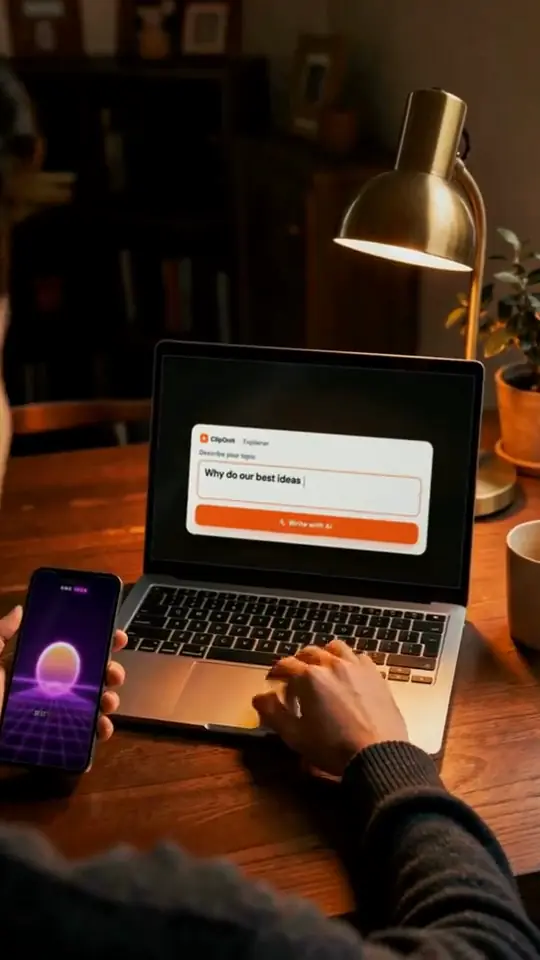
You choose what you bring. The generator does the rest, and every scene stays editable.
Type “why the sky is blue”, set the length and tone. AI drafts the narration and cuts it into short scenes.
Paste an article, a lesson or a post. It is read as is, split into scenes and illustrated: your message stays yours.
Record yourself or import an audio file. The transcript lines up each element with your words, and a fluffed sentence can be redone alone. From Starter.
Type what you want changed, as you would to an editor sitting next to you. Each change is explained in one sentence; accept it, reject it or undo it. On paid plans.
无需重来,即可缩短、澄清或调整语气。

The studio tools, once the first version is rendered.
A scene doesn't work for you: three versions appear side by side, on the same narration. Keep the best one. Paid plans.
Move, hide or lock each element on the canvas and the timeline when you want precision.
Every state of the video is kept. Try an idea, and if the earlier version was better, restore it.
Generated and synced to the voice: the video makes sense even with the sound off.
Logo, colours, font, tone, intro and outro are set once and applied to every new video. From Starter.
Save a format that works and replay it on another topic: a series keeps the same look from one episode to the next.
1080×1920 vertical MP4 for TikTok, Reels and Shorts. A 3D scene as .glb or .obj, an element as PNG, GIF or .glb.
From the finished video, connect your account and choose draft or post. Nothing goes out without your confirmation.
With the MCP server, from Starter, ask for “a video about X in style Y”: your assistant runs explainer_produce and hands you the MP4.
API, MCP and webhooksA TikTok or Shorts channel without showing your face: one topic a day, a synthetic voice or yours, the same style from video to video.
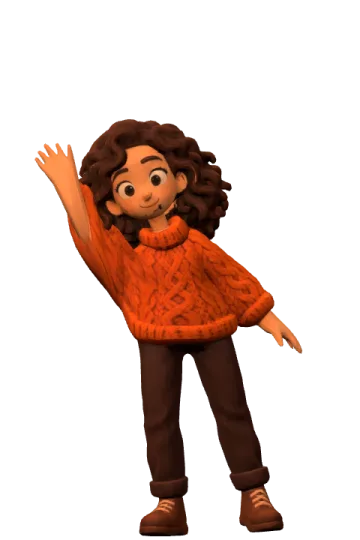
See the dedicated page角色、设备、场所、数据:悬停在某个世界上,即可查看其元素,由其专属引擎渲染。
 人物
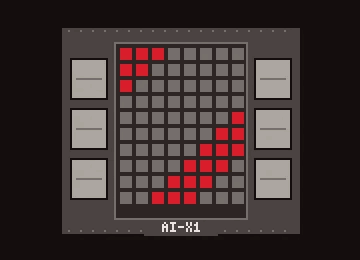 设备
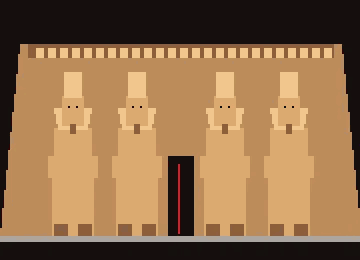 文档与地点
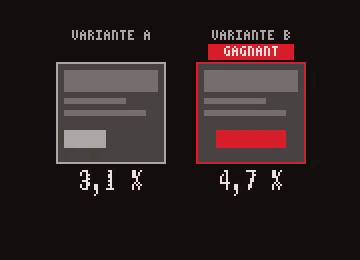 数据
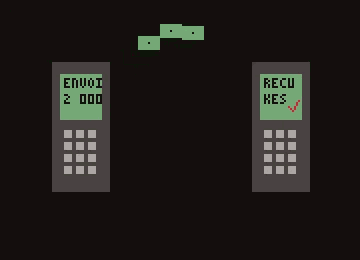 界面
 操作
用 Explainer 制作的五段视频,五种风格。配音:ClipOnIt 创始人 Mathis。
卫星简报:镜头飞越真实地球,从埃塞俄比亚一路到勒阿弗尔。
剖面房屋:3D 玩偶屋,逐间呈现。
课堂速写:手绘风,黑红配色。
体素之夜:星空下的 3D 世界。
情绪像素:温暖发光的像素画。
Each page shows the recommended style, the steps and examples for one specific use.
All tools Browse the 24 stylesThe free plan gives you 3 complete videos a month, with a watermark, in 8 styles. Starter ($29/month) removes the watermark and opens all 24 styles, style import, the Director, your own voice and the API: 15 videos a month, 30 on Pro, 100 on Business.
Format, voice, timing, visual identity: how it works in practice.
It chains what a video team does by hand: script, scene breakdown, animated visuals, voice-over, captions and render. With ClipOnIt you give a topic, a text or your voice, and you get a vertical MP4 you can still edit.
A few minutes from topic to MP4. Fixes (one scene, one sentence, one visual) are redone without re-running the whole video.
A 9:16 vertical MP4 at 1080×1920, the TikTok, Reels and Shorts format, with voice and captions built in.
Yes: on the free plan each video carries a discreet watermark and ends with a “Made with ClipOnIt” card. From Starter, exports are watermark-free.
Set your brand kit once (logo, colours, font, tone, intro, outro) and save a template for your series. You can also import your own style: 2 on Starter, 5 on Pro, 20 on Business.
Yes, from Starter: connect ClipOnIt's MCP server to Claude or ChatGPT, ask for a video on a topic in a style, and the assistant hands you the MP4. Posting to TikTok then happens in the app, with your confirmation.

Write the topic, pick one of the 8 free-plan styles, and get your MP4 a few minutes later.