Blueprint diagram video — Blue blueprint style
Make a diagram video like a blue architect's blueprint: line-drawn wireframes, dimensions drawing themselves, a numbered title block and red notes.
包含于 Starter 套餐,提供全部 81 种风格以及您自己的风格 · 预览由 ClipOnIt 引擎渲染
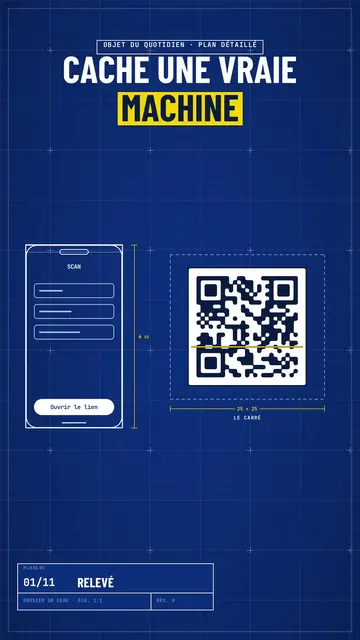
此风格的外观
Blue blueprint draws your topic on a gridded blue sheet, like a real technical plan. The title is in white condensed capitals, with the key word on a yellow band, and a numbered title block in the corner moves forward with each scene, like the sheets of a file. Objects are traced in white line in real time: a phone wireframe, a diagram, a table, a circle of icons around a big number.
Dimensions get drawn between the pieces (“6 cm”, “25 × 25”) and captions name them. Taped screenshots, lists being ticked, a yellow sticky note, a dark terminal and a score complete the sheet. A red handwritten note circles or comments on the important detail, like an architect correcting in marker. The end shows a profile with a “Subscribe” button being clicked.
适合的主题
Avoid: emotional topics, stories with characters or topics without structure: the plan wants pieces, dimensions and steps. Also avoid overloading a sheet; three pieces per scene stay readable.
- How everyday objects workThe dimensioned plan shows the inside of a QR code, a bank card or a screen.
- App and AI tutorialsThe line-drawn phone wireframe shows the screen without a branded screenshot.
- Technical architecturesDiagrams drawing themselves make an architecture readable step by step.
- Methods and action plansThe numbered title block and the ticked list give the feel of a well-run file.
这种风格的视频创意
- How a QR code works
The phone scanning, the square dimensioned 25 × 25, the diagram of zones and the big error correction number.
- An app's architecture in 4 blocks
The diagram drawing itself, the dimensioned arrows and the title block moving forward.
- What's inside your bank card
The card's plan, the dimensioned chip, the red note and the ticked list.
- Launch a website in a weekend
The wireframe, the taped screenshots, the yellow sticky note and the final score.
1 次点击即可获得
- 打开此风格的链接
点击“以此风格创建视频”按钮,即可打开编辑器,并已选好这种风格。没有账户的话,注册只需一分钟,无需绑定银行卡。
- 用一句话写下你的主题
一个创意就够了。你也可以粘贴文字,或在 Starter 方案中对着麦克风旁白:视频会基于你的声音生成。
- 检查,然后渲染
AI 编写场景,选取风格元素,并根据台词安排时间,同时配上配音和字幕。你可以修改不合适的地方,几分钟后即可获得竖屏 MP4。
您可以调整的内容
For each scene you pick one to three pieces on the word (phone, screenshot, table, diagram, circle, list, sticky note, terminal, score or element) with their dimensions and captions, the sheet name in the title block, the label above the title, a note under the pieces and a red annotation.
常见问题
是否免费、输出格式和用途:简短解答。
Are the dimensions to scale?
Dimensions show the text you write, like on an architect's sketch. The drawing stays readable; it is not calculated to real scale.
我可以使用自己的声音吗?
Yes. Record yourself or import your audio: lines, dimensions and notes draw themselves on your words.
它与 Class sketch 有何不同?
Class sketch draws in black line on white, freehand, like a notebook. Blue blueprint traces dimensioned pieces on a gridded blue sheet, with a title block.
这种风格包含在免费方案中吗?
不,它随 Starter($29/月)提供:每月 15 个无水印视频,全部 81 种风格,外加你自己的风格。免费方案每月提供 3 个带水印的视频,以及其他 8 种风格:Pixel News、Press paper、Comedy cartoon、Class sketch、Night tale、Social screen、Retro synthwave 和 Flat vector。
如果您喜欢这种风格
- 免费
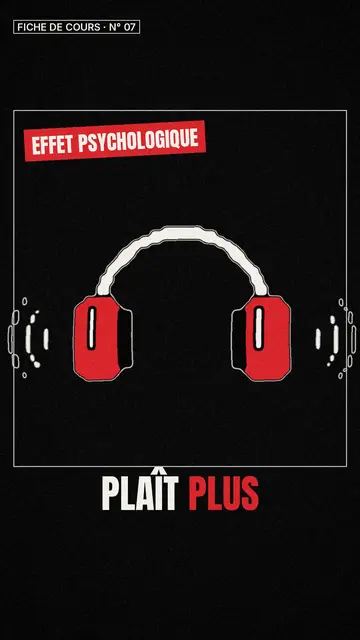
白板速写视频制作器
课堂速写风格 · 生动的黑白速写,点缀红色。
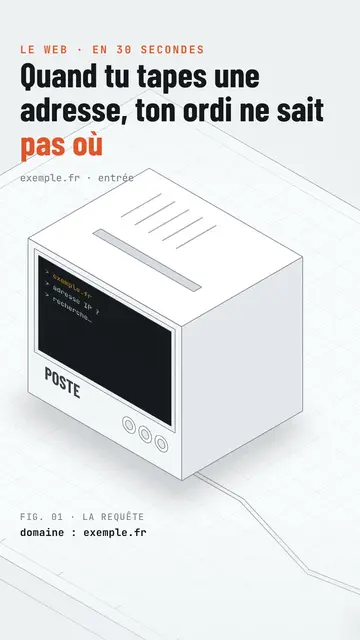
Isometric tech video
Isometric technical board style · A white installation with fine edges seen in one continuous pan, screens lighting up on the word.
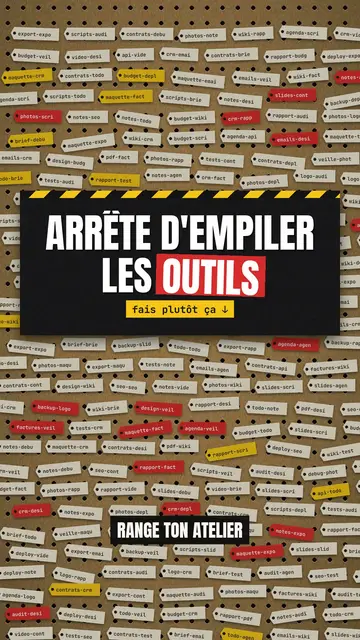
Step-by-step method video
Pegboard workshop style · Everything hangs on a cardboard pegboard: falling labels, gauges, caution tape.