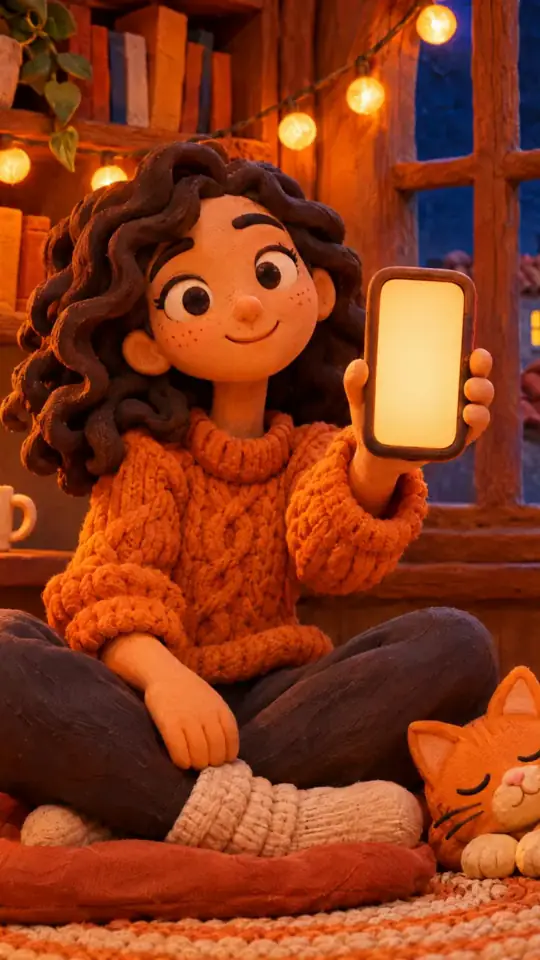
Office cartoon animation video — Office toon style
Make an office cartoon video: big-headed toon characters in an open-plan office or kitchen, with voice and captions. For training, HR and team life.
Included from Starter, with all 24 styles plus your own · preview rendered by the ClipOnIt engine
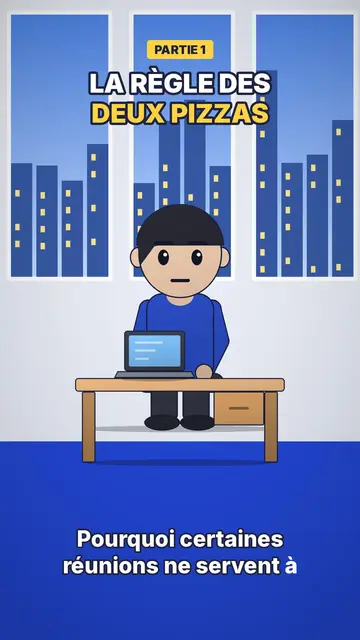
What this style looks like
Office toon draws big-headed characters with shiny black oval eyes and pink cheeks, with soft shading, light at the top and darker at the bottom, and a drop shadow on the floor. The result feels like a 3D animated film while staying a crisp 2D picture. Scenes take place in two familiar sets: an open-plan office with a bright blue floor and windows onto the city, and a kitchen with grey-green cupboards.
A yellow label at the top announces the part (“PART 1”), the title is set in white and yellow outlined in midnight blue, and captions stay low-key, in lowercase, at the bottom. A character can stand in front of a presentation screen to show a figure or an instruction. Between shots, a small zoom settles on the next scene. The overall tone is friendly, which gets a rule or a tip across without lecturing.
Topics it suits
Avoid: topics set outdoors, far from an office or a kitchen (travel, nature, geography): the style's sets are mostly indoors. Also avoid serious topics such as a layoff or harassment, where the cute tone of the characters can feel out of place; a more sober style suits them better.
- Internal trainingA procedure, a tool or a safety rule is shown with colleagues in a setting that looks like their own.
- Onboarding new hiresSplit into numbered parts, the first week becomes a short series that is easy to follow.
- Career tipsNegotiating, asking for feedback, turning down a meeting: the characters act out the scene before the tip.
- Small everyday scenesThe kitchen also works for home topics: budget, groceries, planning the week.
Video ideas in this style
- Spotting a phishing email
A colleague at their screen, three clues that give the fake message away, and the right reflex in part 3.
- Your first week on the team
Five short parts: badge, tools, rituals, who to contact, where to have lunch.
- The meeting that could have been an email
Four characters round a table, the clock ticking, then a simple rule to avoid it.
- Asking for a raise
The character prepares at the coffee machine, then the meeting is replayed in two versions.
Get it in 1 click
- Open this style's link
The “Create a video in this style” button opens the editor with this style already picked. Without an account, signing up takes a minute and needs no card.
- Write your topic in one sentence
One idea is enough. You can also paste your text or, from Starter, narrate into the mic: the video then builds on your voice.
- Review, then render
AI writes the scenes, picks the style's elements and times them to the words, with voice and captions. You fix what is off, then the vertical MP4 arrives in a few minutes.
What you can adjust
You change the yellow label (“PART 2”, “STEP 3”), the title and its yellow word, the text on the presentation screen, the narration and each scene's length. You pick the set, office or kitchen, move or swap a character or an object, and can ask for three variants of a scene. From Starter, your own voice and the AI Director; the brand kit applies your logo and colours to the render.
常见问题
Free or not, output, uses: the short answers.
Can I make a corporate training video with this style?
Yes, that is its main use: toon colleagues in an office that looks like a real one, one part per step, and a voice that explains. You write the topic or paste your procedure, and AI splits it into scenes.
Is it real 3D?
No, it is 2D with soft shading and a drop shadow that imitates an animated film look. The picture stays light and crisp on mobile.
How do I make a multi-part series?
Make one video per part and change the yellow label each time. Since characters and sets stay the same, the series keeps a consistent look.
Is this style in the free plan?
No, it comes with Starter ($29/month): 15 watermark-free videos a month, all 24 styles plus your own. The free plan gives 3 videos a month with a watermark in 8 other styles: Pixel News, Press paper, Comedy cartoon, Class sketch, Night tale, Social screen, Retro synthwave and Flat vector.
If you like this style
- 免费版
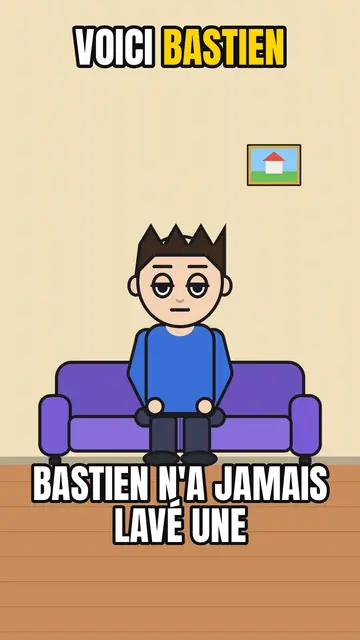
AI cartoon video generator
Comedy cartoon style · Comic cartoon, expressive characters with bold outlines.
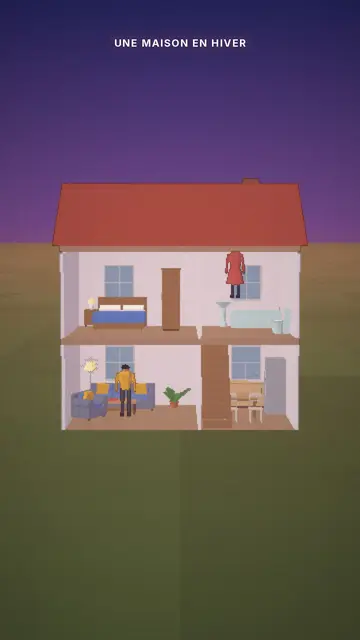
Cutaway house 3D animation
Cutaway house style · A dollhouse-style cutaway with lit rooms.
- 免费版
Social media explainer video
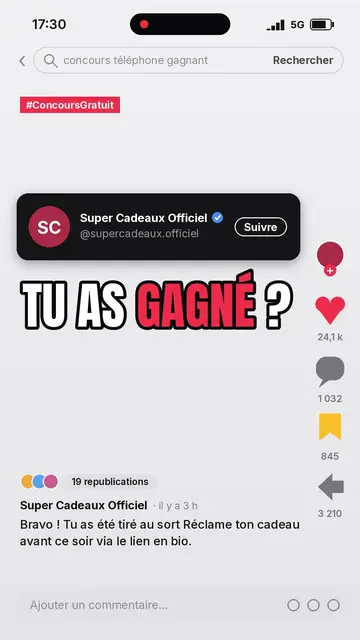
Social screen style · A recreated social feed: profile, counters, comments.
Your idea, in this style
Write a sentence or say it: the style is already picked when you reach the editor.